반응형
먼저 deployment를 이용해서 web pod를 만든다.
cluster IP로 Service를 만든다.
apiVersion: v1
kind: Service
metadata:
  name: [서비스 이름]          # ✅ 서비스 이름 변경
  namespace: [네임스페이스]
spec:
  type: ClusterIP
  internalTrafficPolicy: Cluster
  ipFamilies:
    - IPv4
  ipFamilyPolicy: SingleStack
  selector:
    app: [deployment or pod 이름]          # ✅ 대상 Deployment(Pod) 라벨 맞추기
  ports:
    - name: http
      port: 80
      protocol: TCP
      targetPort: 80
    - name: https
      port: 443
      protocol: TCP
      targetPort: 443
ingress 만들기
apiVersion: networking.k8s.io/v1
kind: Ingress
metadata:
  name: [ingress 이름]
  namespace: [네임스페이스]
  annotations:
    alb.ingress.kubernetes.io/backend-protocol: HTTPS
    alb.ingress.kubernetes.io/certificate-arn: [aws certificate arn] # 기존 ACM 인증서 그대로 사용
    alb.ingress.kubernetes.io/healthcheck-protocol: HTTPS
    alb.ingress.kubernetes.io/listen-ports: '[{"HTTPS":443}]'
    alb.ingress.kubernetes.io/scheme: internet-facing
    alb.ingress.kubernetes.io/ssl-redirect: "443"
    alb.ingress.kubernetes.io/target-type: ip
spec:
  ingressClassName: alb
  rules:
  - host: [443포트로 접속할 host 이름]
    http:
      paths:
      - path: /*
        pathType: ImplementationSpecific
        backend:
          service:
            name: [서비스 이름]
            port:
              number: 443

  tls:
  - hosts:
    - [443포트로 접속할 host 이름]
    secretName: [시크릿 이름]  # TLS Secret 이름 (서비스용 Secret 생성 필요)
---
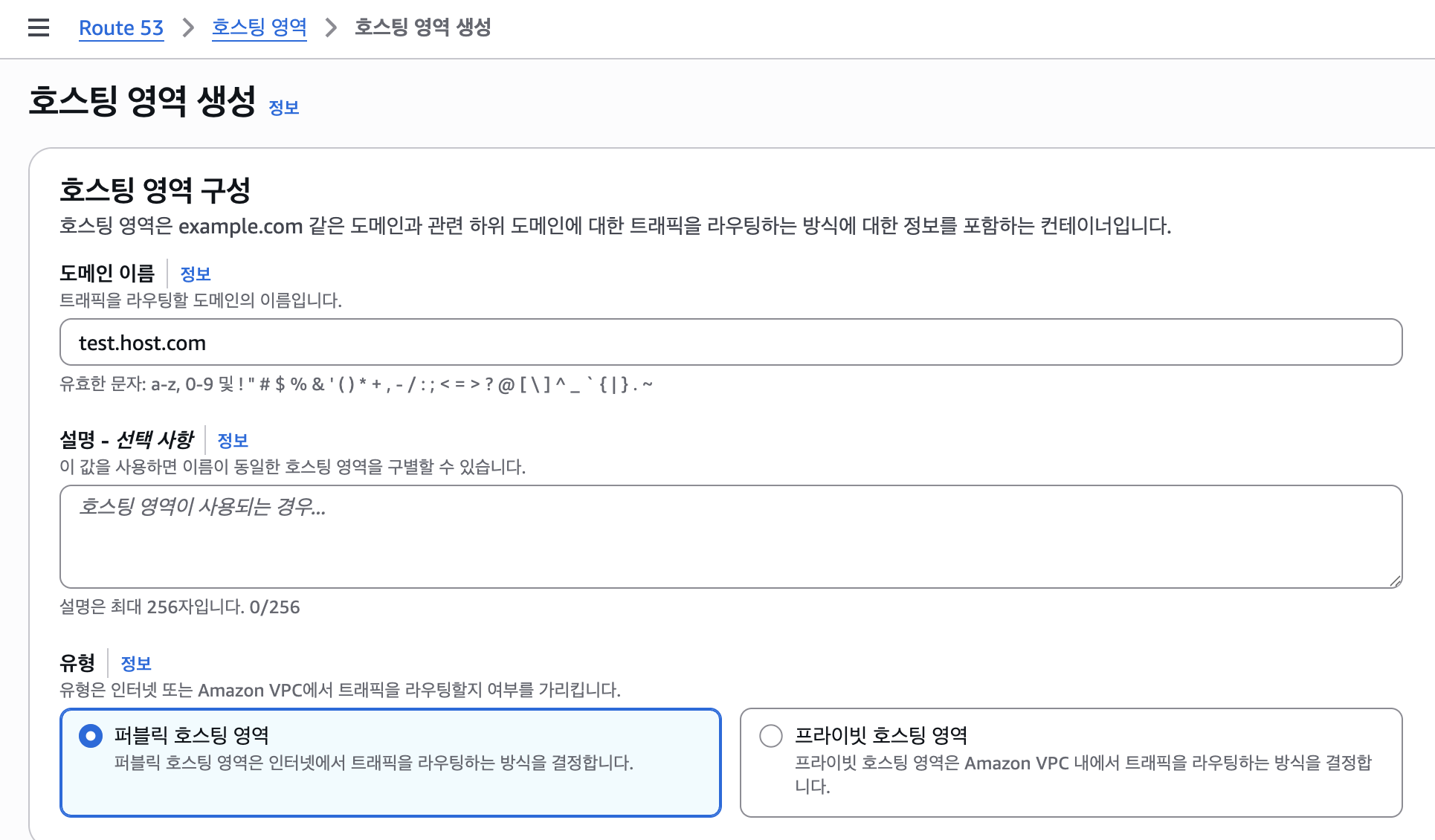
route53에서 호스트 영역 만들고
record 추가하기
원하는 레코드 이름 입력하고 별칭 선택
ingress를 만들면 Application 로드밸런서가 생성된다.
생성된 지역을 선택하고 로드밸런서를 선택한 후 record를 생성한다.

반응형
'배운 내용 > Kubernetes' 카테고리의 다른 글
| (1)자체 구축(Self-Managed / On-Prem 스타일) 쿠버네티스 (1) | 2025.09.22 |
|---|---|
| Ubuntu 환경에서 K9S 설치 / 명령어 자동완성 (0) | 2025.09.18 |
| [Helm] kubernetes-dashboard 설치 (0) | 2025.06.12 |
| crossplane reconcile 주기 변경하기 (0) | 2025.04.09 |
| 오류난 crossplane 리소스 파이썬으로 삭제하기 (0) | 2025.04.09 |
